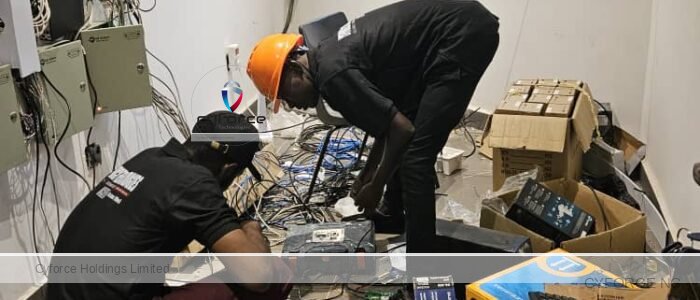
The key is to change all default credentials, limit access, and maintain system hygiene.
After Professional Installation
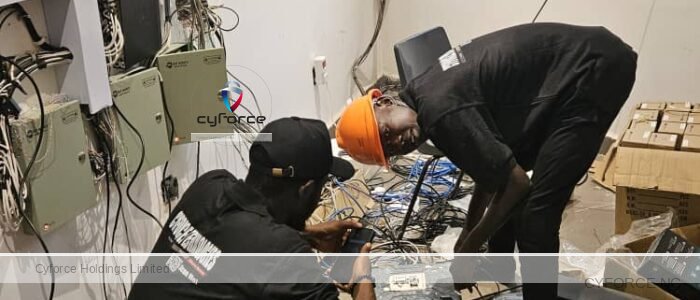
- Change All Passwords Immediately: The most critical step is to change all default usernames and passwords (e.g., “admin”/”12345”) for every user account, the cameras themselves, and the NVR/DVR. Installers often use a universal or simple password for convenience, which must be reset immediately after they leave.
- Create Strong, Unique Passwords: Use a password manager to generate complex, random passwords (at least 12 characters long, with mixed cases, numbers, and special characters). Do not reuse these passwords for any other online accounts, such as your email or social media.
- Remove or Limit Installer Access:
- Ensure the installer deletes their app or disconnects their remote access before leaving your premises.
- Promptly revoke their user access rights from the system’s management panel.
- If possible, create separate user accounts for yourself and the installer with different privilege levels (e.g., a “viewer” account for daily use and an “admin” account for configuration changes).
- Physically Secure Recording Devices: Store the NVR or DVR in a locked cabinet or a secure, hard-to-reach location to prevent physical tampering or theft of the footage.
Network and System Security
- Isolate the CCTV Network: Place your cameras on a dedicated “guest” Wi-Fi network or a separate Virtual Local Area Network (VLAN), isolated from your primary home or business network. This prevents a potential breach of the camera system from spreading to your computers, phones, and other devices.
- Enable Two-Factor Authentication (2FA) / Multi-Factor Authentication (MFA): Activate this feature if your camera system and router support it. 2FA requires a second form of verification (like a one-time code sent to your phone) to log in, making it much harder for someone with just your password to gain access.
- Disable Unnecessary Features: Turn off features you don’t need, such as Universal Plug and Play (UPnP), remote access (if you don’t use it), Telnet, and WPS in your router’s settings. These can be exploited as security vulnerabilities.
- Use a VPN for Remote Viewing: If you need to access your cameras remotely, do so through a Virtual Private Network (VPN) connection to your home network. This creates an encrypted and secure tunnel for your data, which is much safer than opening ports for direct access.
- Implement a Firewall: Configure your router’s firewall to block all outgoing internet traffic from the cameras except what is strictly necessary.
- Regularly Update Firmware: Manufacturers release software and firmware updates to patch security vulnerabilities. Check for and install these updates promptly, or enable automatic updates if available.
- Monitor Activity Logs: Regularly review system access logs for suspicious activity, such as failed login attempts or access during unusual hours. Enable alerts for such events.
Discover more from Cyforce Technologies
Subscribe to get the latest posts sent to your email.